Maintaining a multilingual WordPress site can be slow and laborious. Pages, blog posts, product descriptions, and custom content fields usually need to be copied and translated separately for each language used on the site.
i4ware Software develops translation automation based on the OpenAI API for WordPress, which speeds up the production of multilingual web content and reduces the amount of manual work required.
Automatic Translations in the WordPress Admin Panel
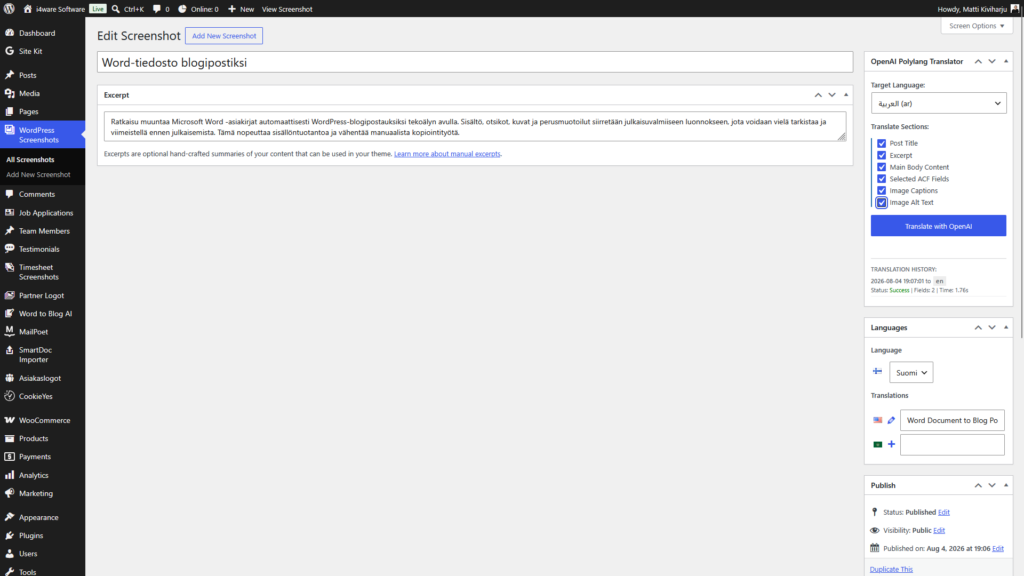
OpenAI WordPress Site Translation Automation works directly in the WordPress admin panel. The tool can generate, for example, English and Arabic versions from Finnish content.
The solution can be integrated with the Polylang multilingual plugin, allowing translations to be automatically linked to the original page, article, or other content.
Translation automation can handle, for example:
- WordPress pages
- blog posts
- product and service descriptions
- headings and body text
- summaries of articles
- categories and tags
- search engine optimization metadata
- Advanced Custom Fields fields
- texts for buttons and calls to action
- text content of WordPress themes and plugins
Original Content and Page Structure Remain Intact
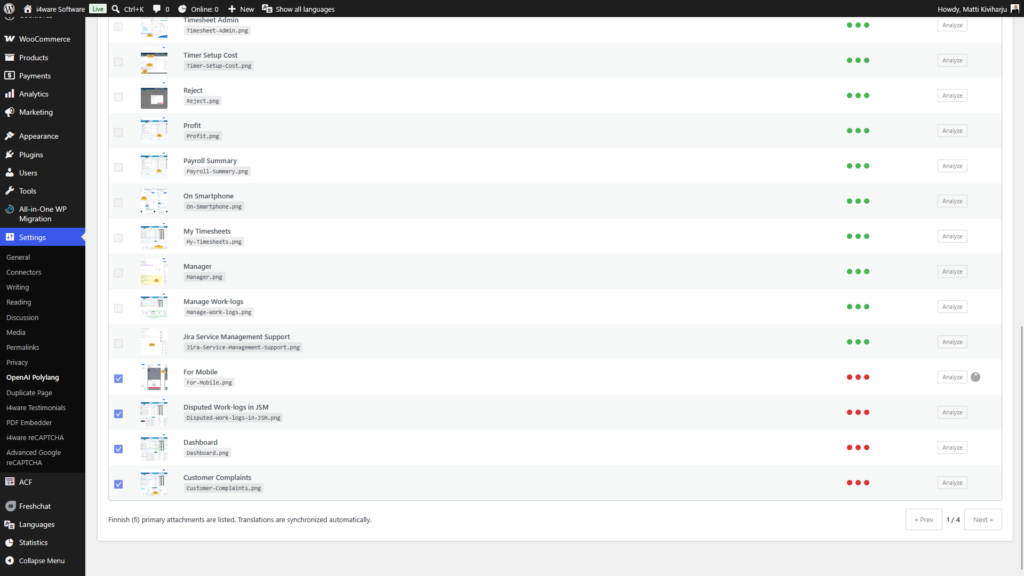
The translation tool primarily processes text content. The original structure of the pages, images, videos, YouTube embeds, links, and other media elements remain unchanged.
This is particularly important when WordPress pages are built with Gutenberg blocks, custom fields, or page builder tools. The aim is not to rebuild the page but to produce a new language version from the existing content.
Translations are Saved as Drafts
Content generated by artificial intelligence is not published automatically. New language versions are saved in WordPress as drafts, allowing the site administrator to review and correct them if necessary before publishing.
Manual review helps ensure:
- correct terminology
- the company’s own communication style
- accuracy of product and service names
- expressions suitable for the local market
- accuracy of technical and legal information
- the correct writing direction and presentation style of the Arabic language
OpenAI serves as an efficient assistant in translation work, but the final publication decision always remains with a human.
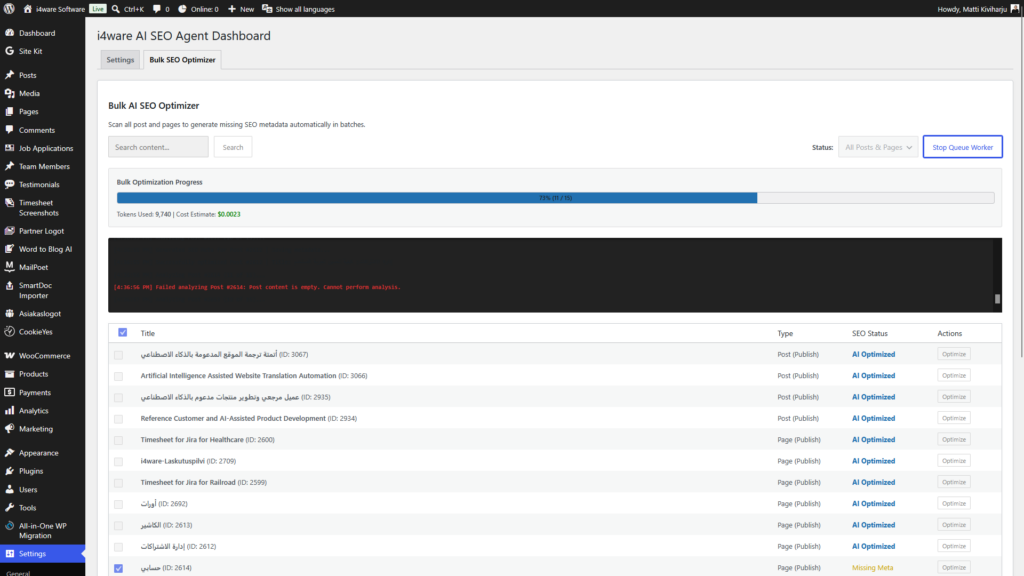
Managed translation queue prevents server overload
It is not sensible to send a large WordPress site to the OpenAI API as a single large task. This could cause timeouts, server overload, or exceed API usage limits.
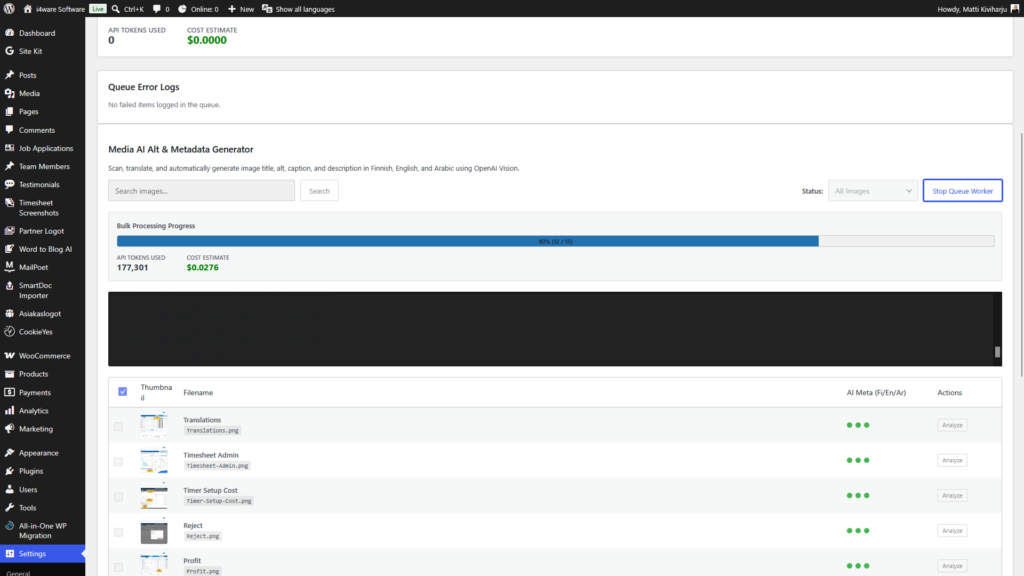
For this reason, translations are handled using a managed task queue. Content can be divided into smaller units and translated one page, article, or content field at a time.
With the translation queue, it is possible to:
- limit the number of simultaneous OpenAI requests
- prevent overly large individual translation tasks
- resume interrupted translation processes
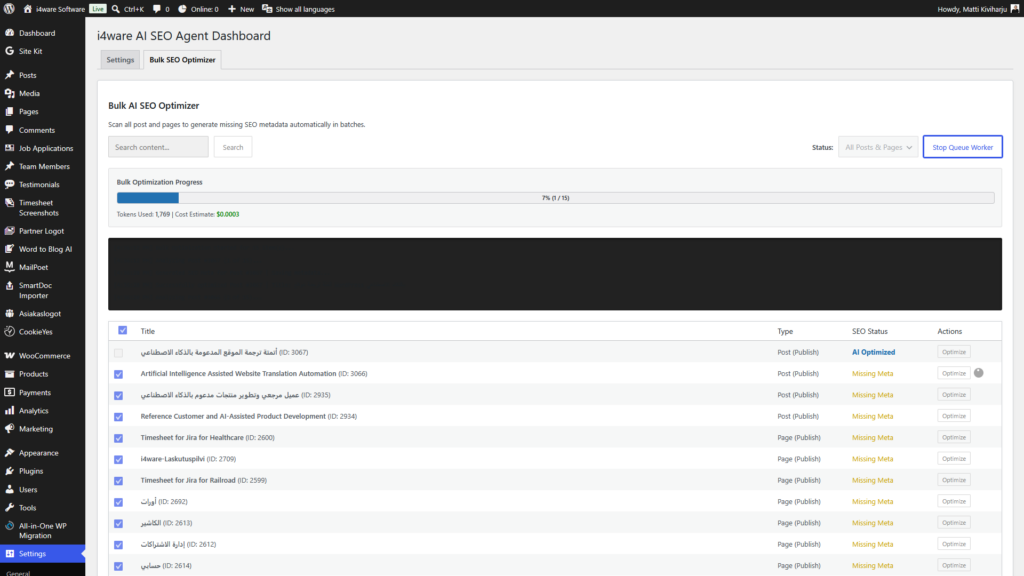
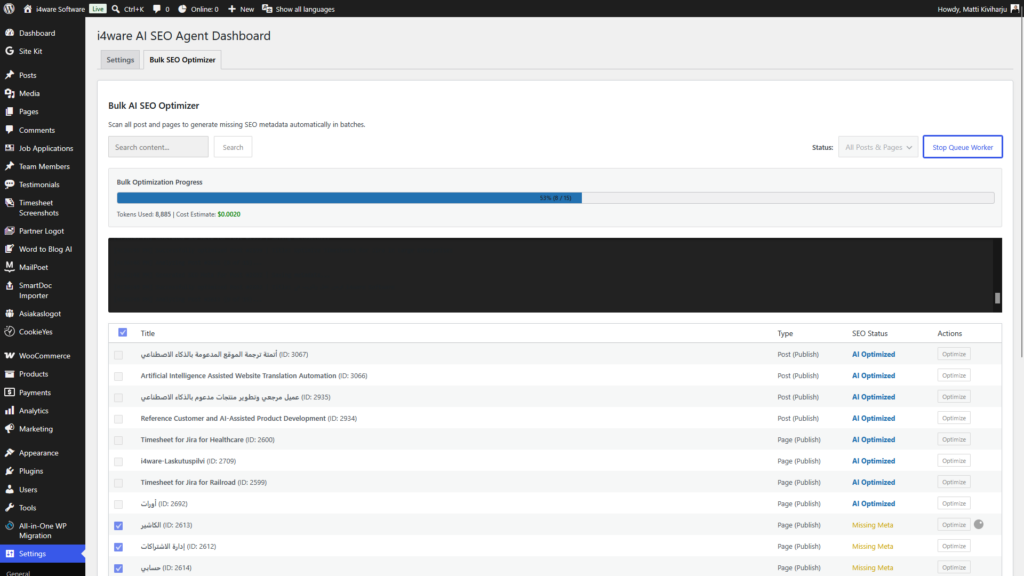
- track the progress of processing
- save successful and failed tasks
- attempt to redo failed translations later
- manage the usage and costs of the OpenAI API
The solution is suitable for translating individual pages as well as maintaining larger multilingual WordPress sites.
Content can be tailored to the target market
A word-for-word translation does not always resonate with an international customer. The OpenAI-based translation tool can also take into account the intended use of the content, industry, and target market.
For example, English content can be directed at international B2B customers, and Arabic content can be aimed at businesses in the GCC countries of the Persian Gulf.
Translation guidelines can define, among other things:
- target language and region
- the terminology used by the company
- formal or sales-oriented writing style
- preserved product names
- words and technical terms that should not be translated
- call-to-action suitable for the target market
- SEO keywords
- company-specific vocabulary
Thus, automation does not produce merely direct translations but helps create content that is understandable and relevant to the target audience.
Advanced Custom Fields support
Many companies’ WordPress sites use the Advanced Custom Fields (ACF) plugin. The actual content can be stored in separate text fields, repeatable fields, or flexible content structures instead of the regular WordPress editor.
ACF support can be added to translation automation, allowing selected fields to be identified and translated securely. At the same time, technical values, identifiers, URLs, and other structural data can be left out of the processing.
Who is the solution suitable for?
OpenAI WordPress Site Translation Automation is particularly suitable for:
- international B2B companies
- software and SaaS companies
- e-commerce businesses
- healthcare technology companies
- industrial companies
- companies starting export
- organizations maintaining multilingual product and service websites
- WordPress agencies and content producers
The solution can be customized to the company’s current WordPress site, existing plugins, and desired languages.
Artificial intelligence speeds up work but does not eliminate quality control
OpenAI-based translation automation can significantly speed up the creation and maintenance of multilingual WordPress sites. It allows the same content to be translated without needing to copy and process it entirely by hand for each language.
At its best, artificial intelligence handles the first translation version, the transfer of technical content, and the creation of drafts. A human, in turn, checks the terminology, meaning, and publishability.
This way, automation combines the speed of artificial intelligence with the quality assurance performed by humans.
OpenAI solutions for WordPress
i4ware Software designs and implements company-specific WordPress tools based on the OpenAI API. The solutions can be integrated into the existing WordPress site, Polylang language versions, ACF fields, and the company’s own content management process.
OpenAI WordPress Site Translation Automation helps companies produce multilingual content in a controlled, secure, and more efficient manner.
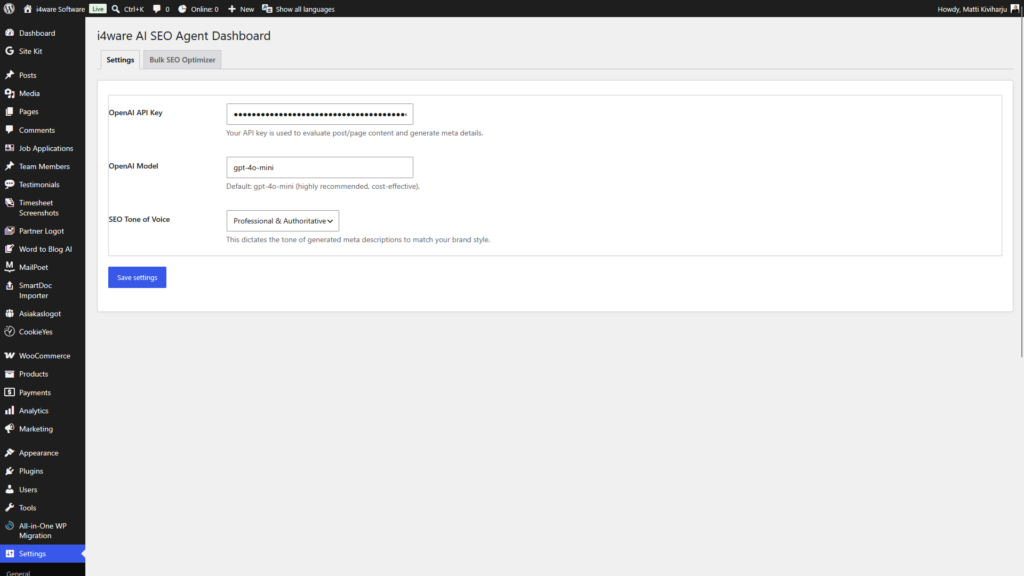
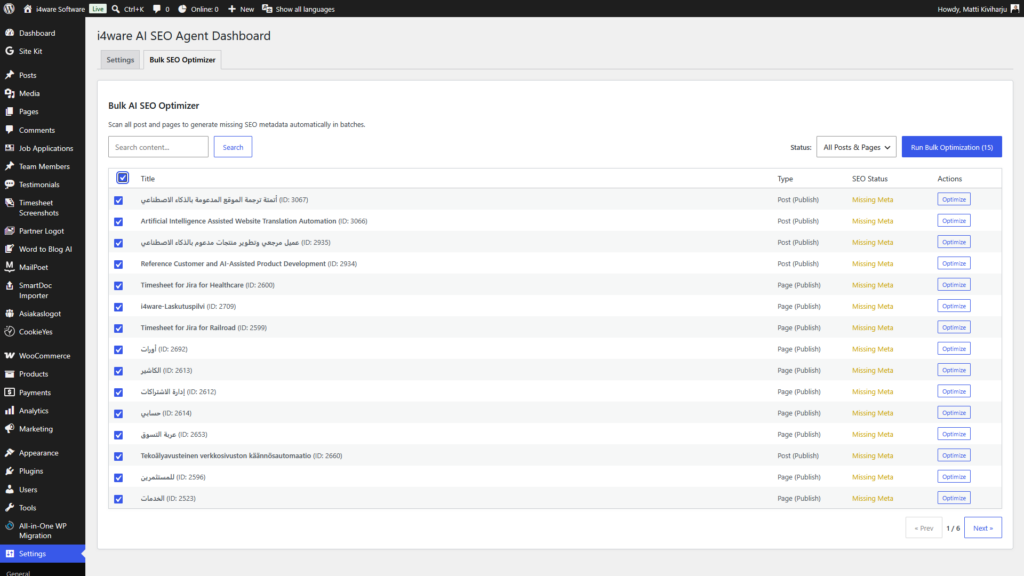
Screenshots:
Comments
0 comments