Designed for small and medium-sized enterprises (SMEs) using Atlassian Jira Cloud.
Features:
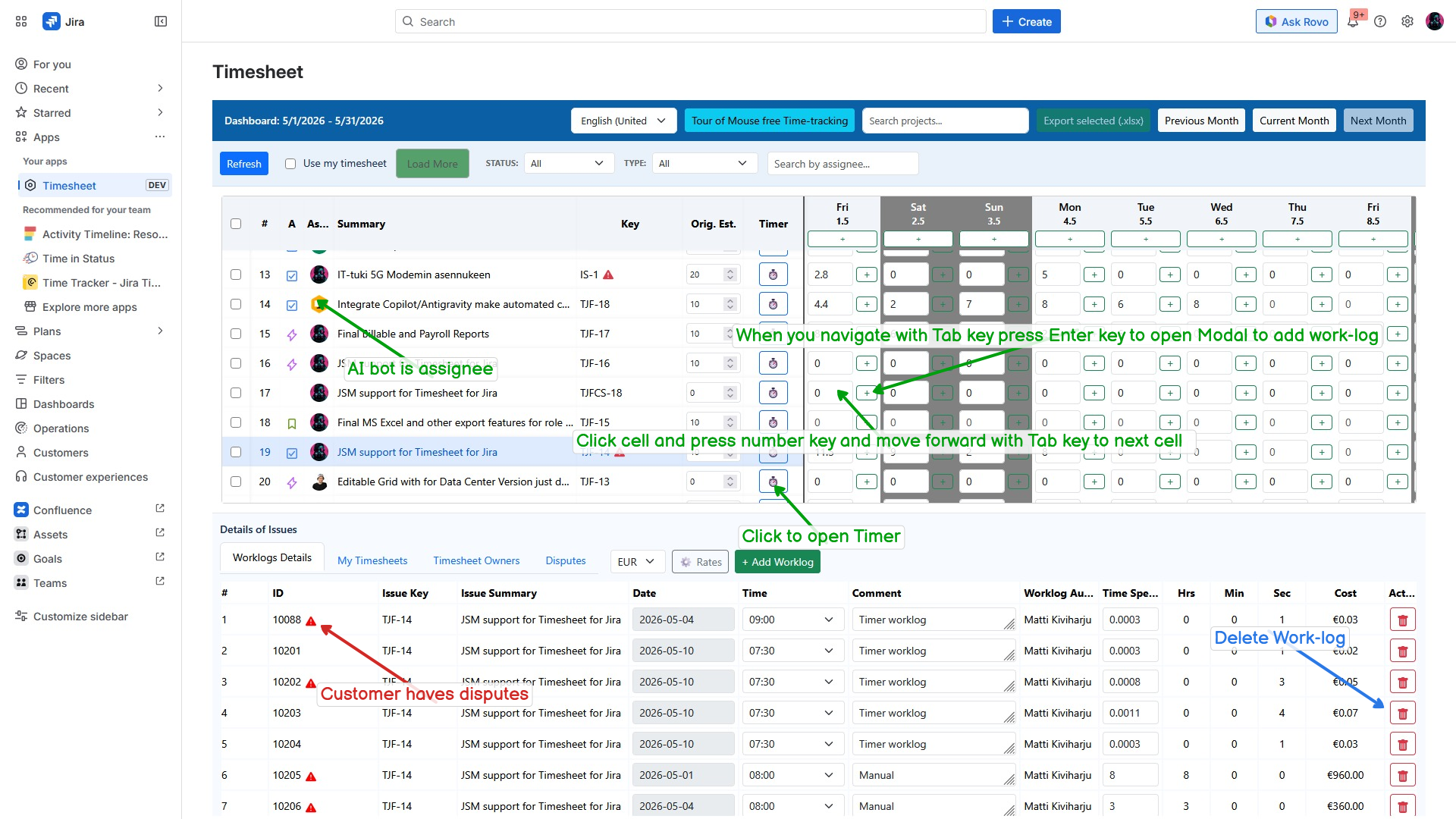
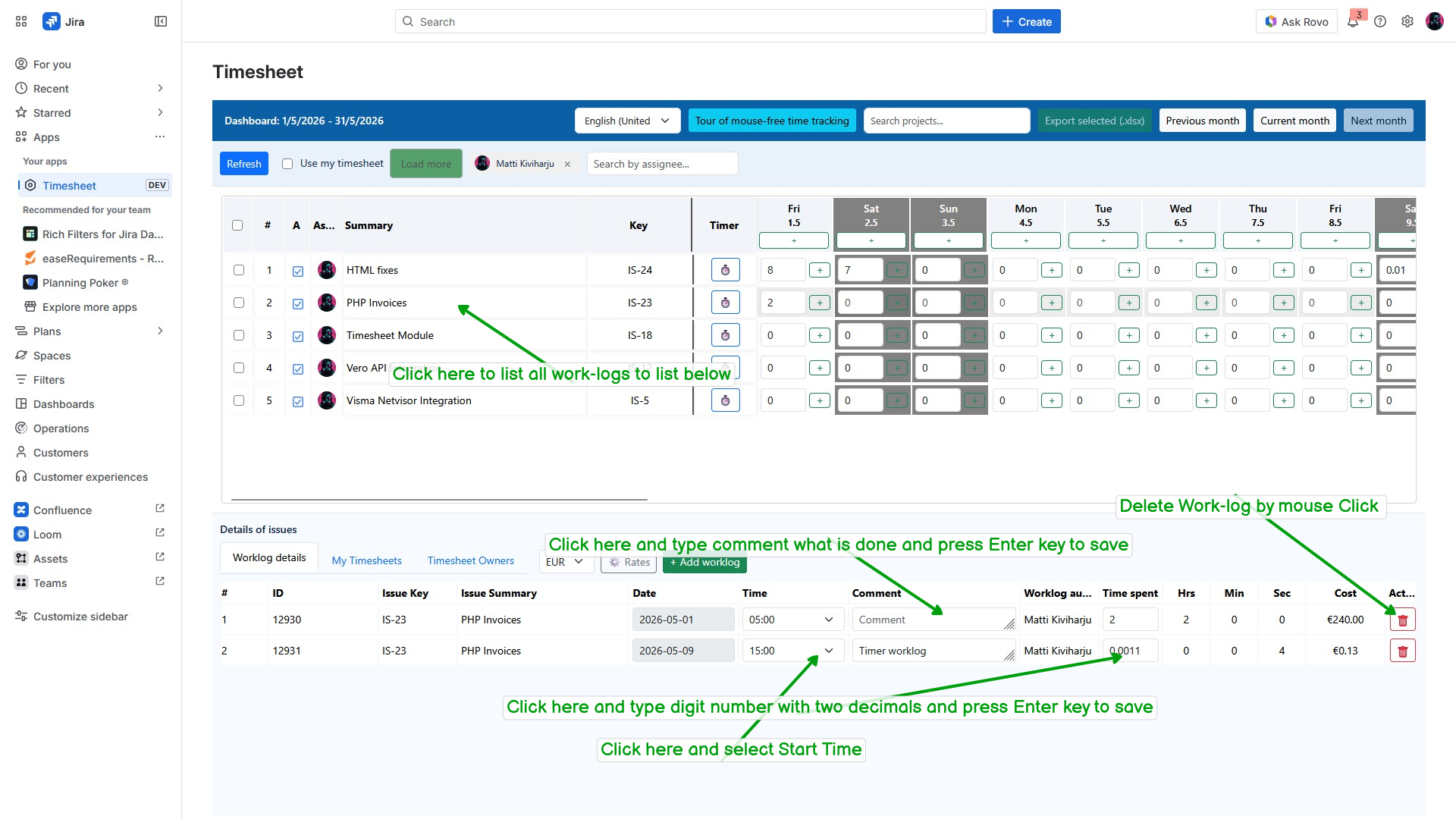
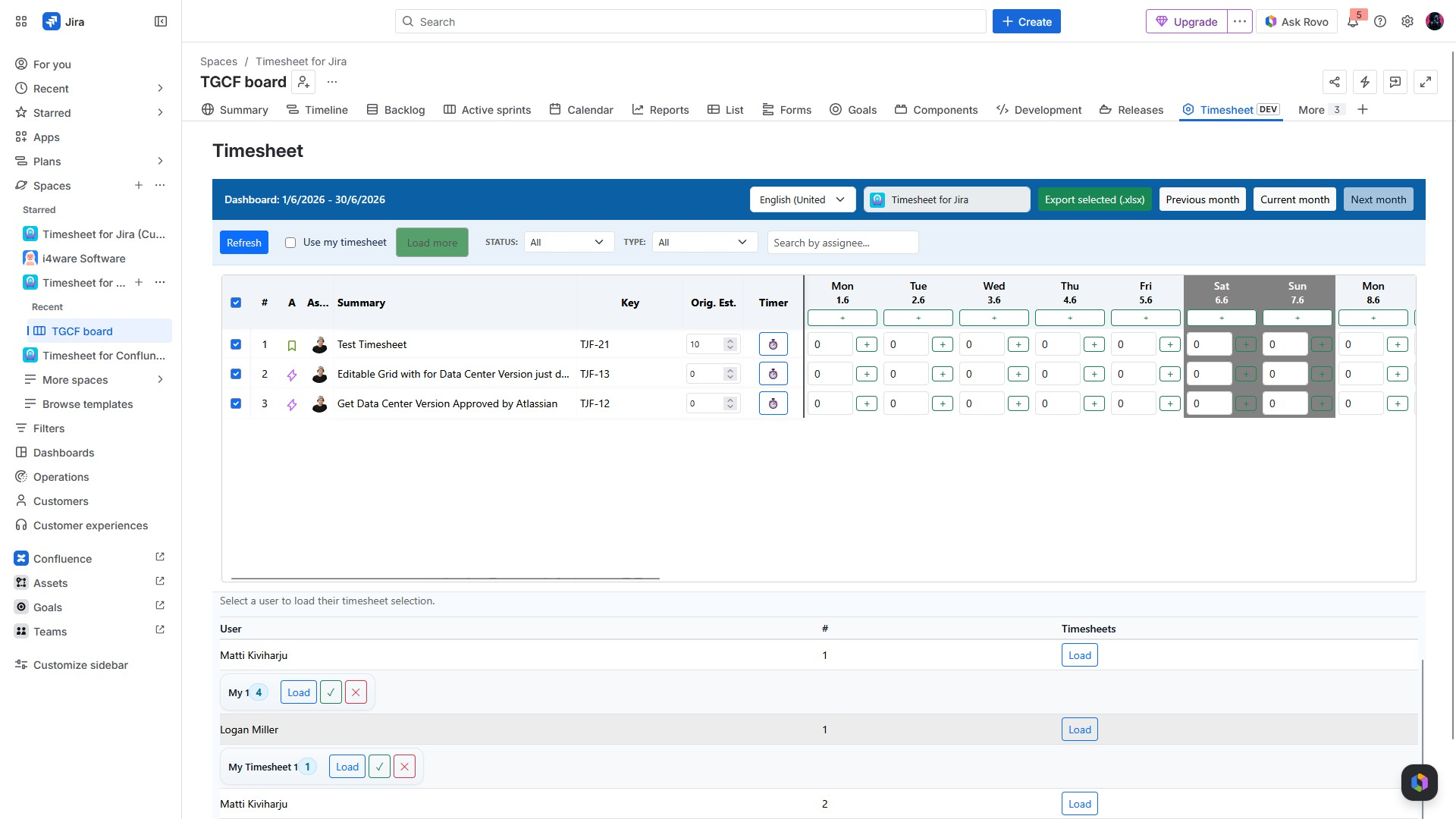
- Fast spreadsheet-like time tracking
- Mouse-free, keyboard-driven workflow
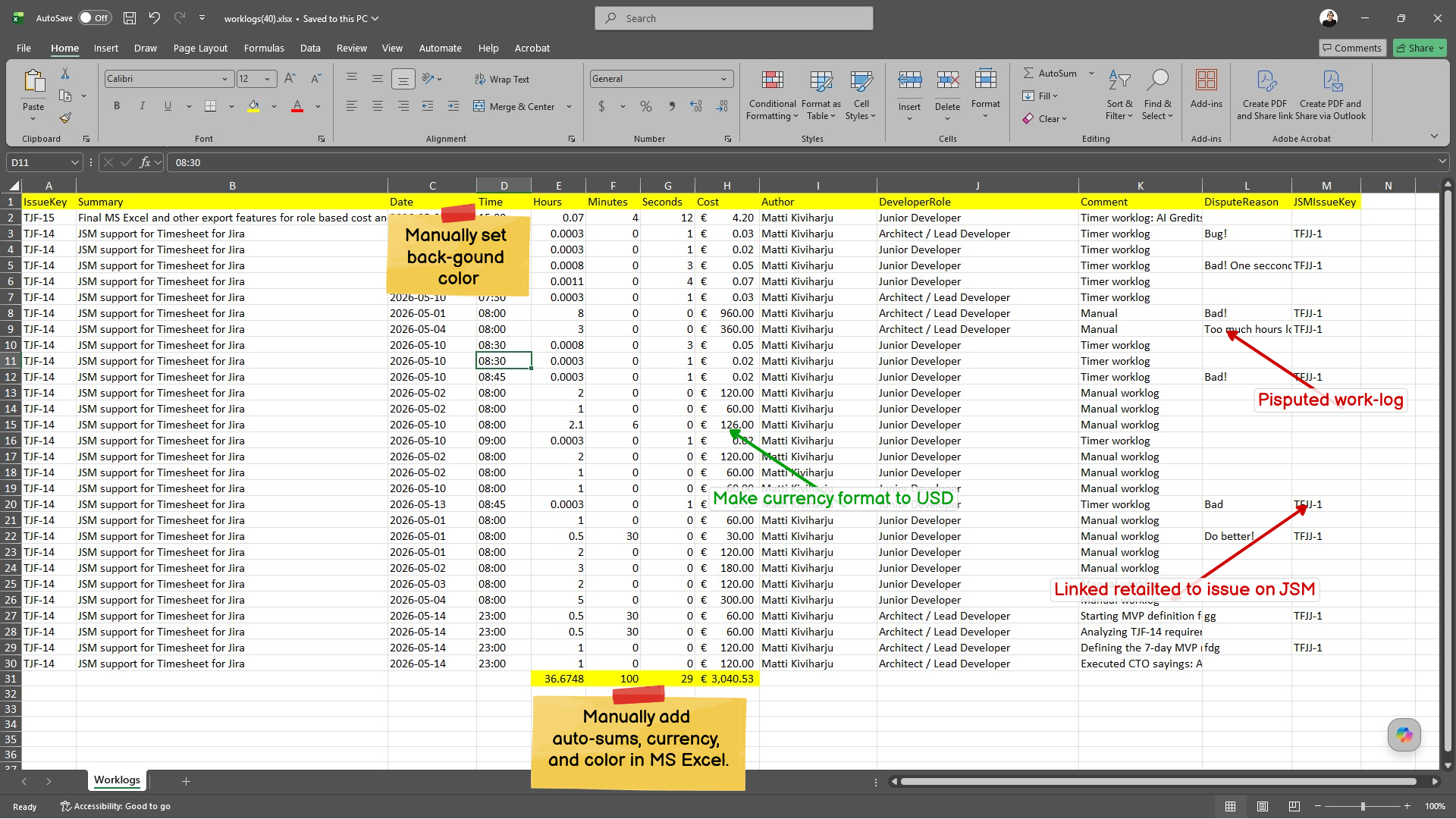
- Microsoft Excel (.xlsx) export
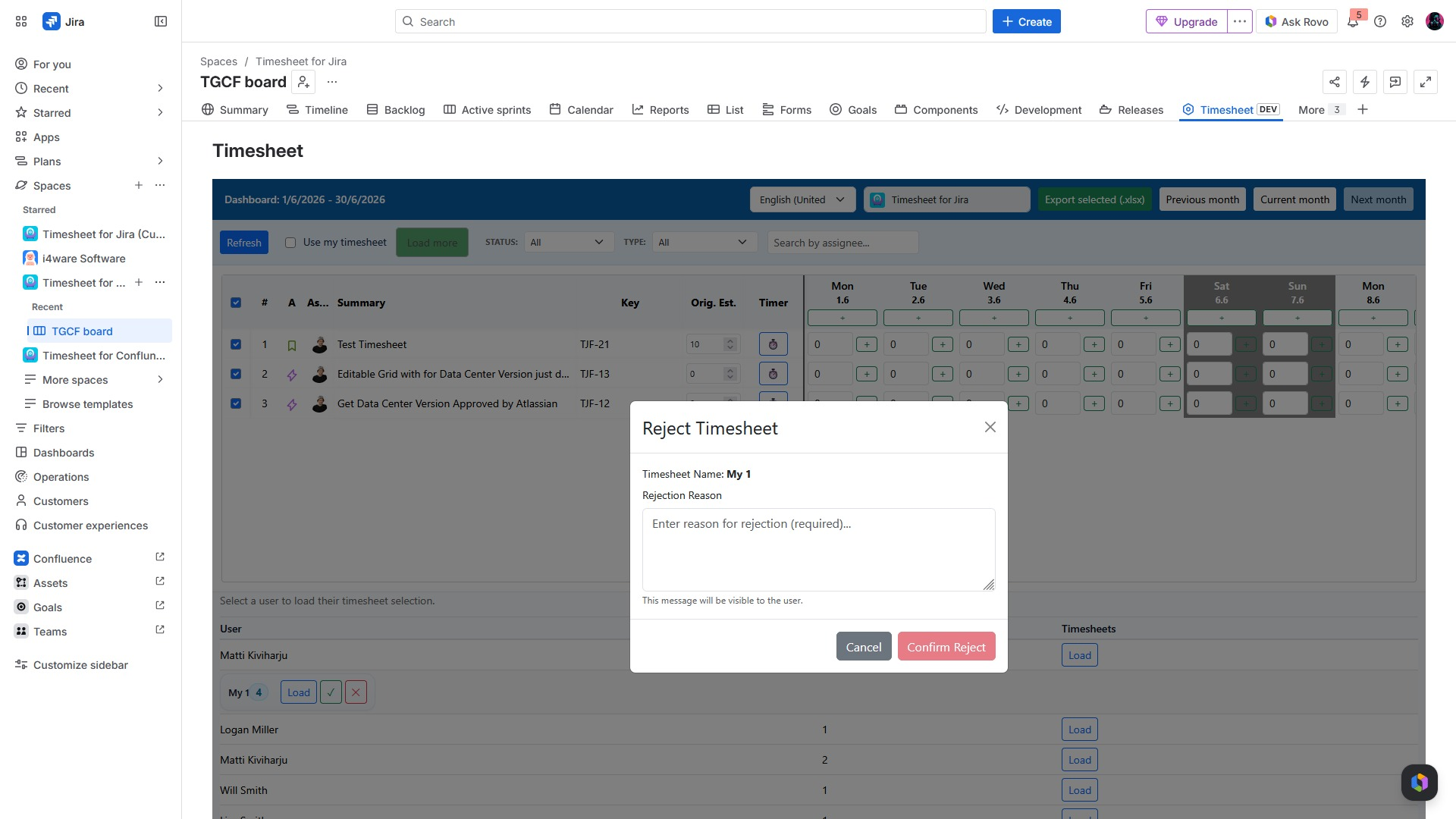
- Reporting and approval workflows
- Modern Atlassian Forge architecture
Target Industry: Healthcare, Pharmaceutical, and MedTech
- Developed for healthcare organizations to facilitate time tracking, compliance, and project management in both clinical and administrative teams.
- A trusted solution for healthcare organizations with clients in the UAE and India to enhance Jira-based time tracking and reporting.
- Designed for health technology companies to improve project visibility, time tracking, billing, and compliance in the Jira environment.
- Optimized for healthcare and health technology organizations that require accurate, secure, and efficient time tracking within the Jira system.
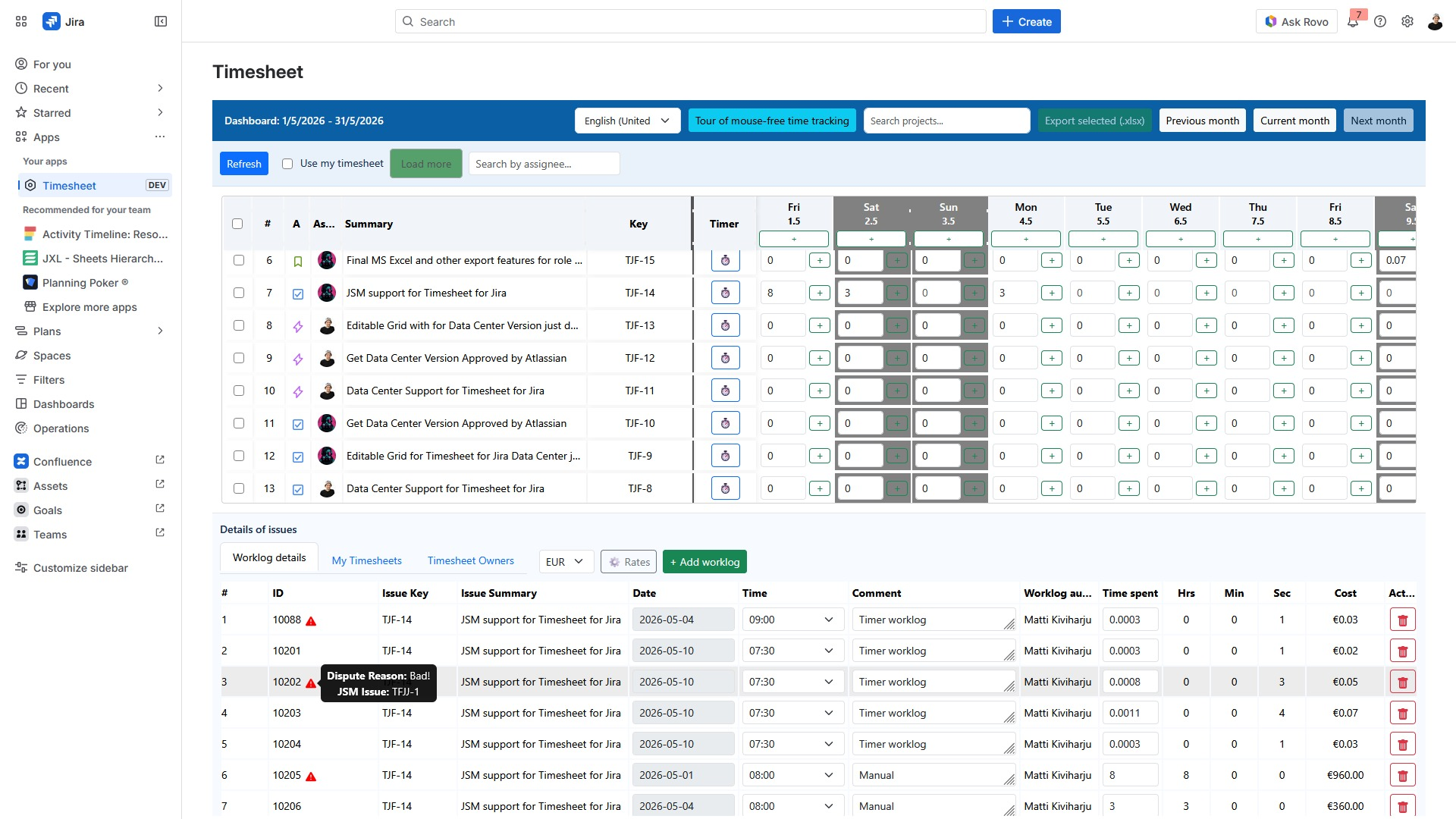
Replace slow dialogs with an Excel-style keyboard grid. Start tracking, approve timesheets, and export billable hours directly in Jira.
Simple and efficient time tracking directly in your Jira workspace.
Keyboard-first tracking
Navigate and log hours for multiple Jira tasks entirely with your keyboard.
Real-time timers
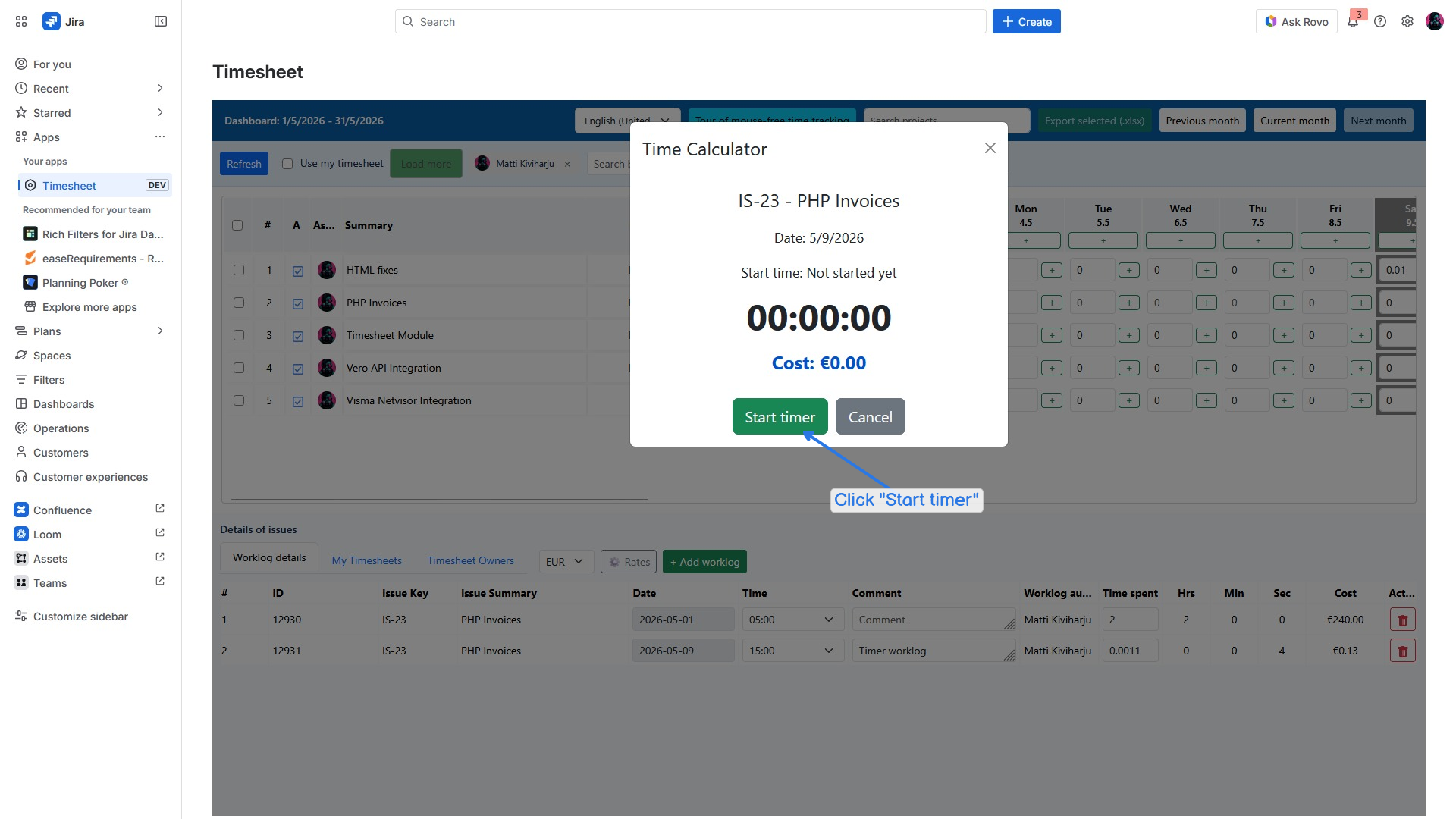
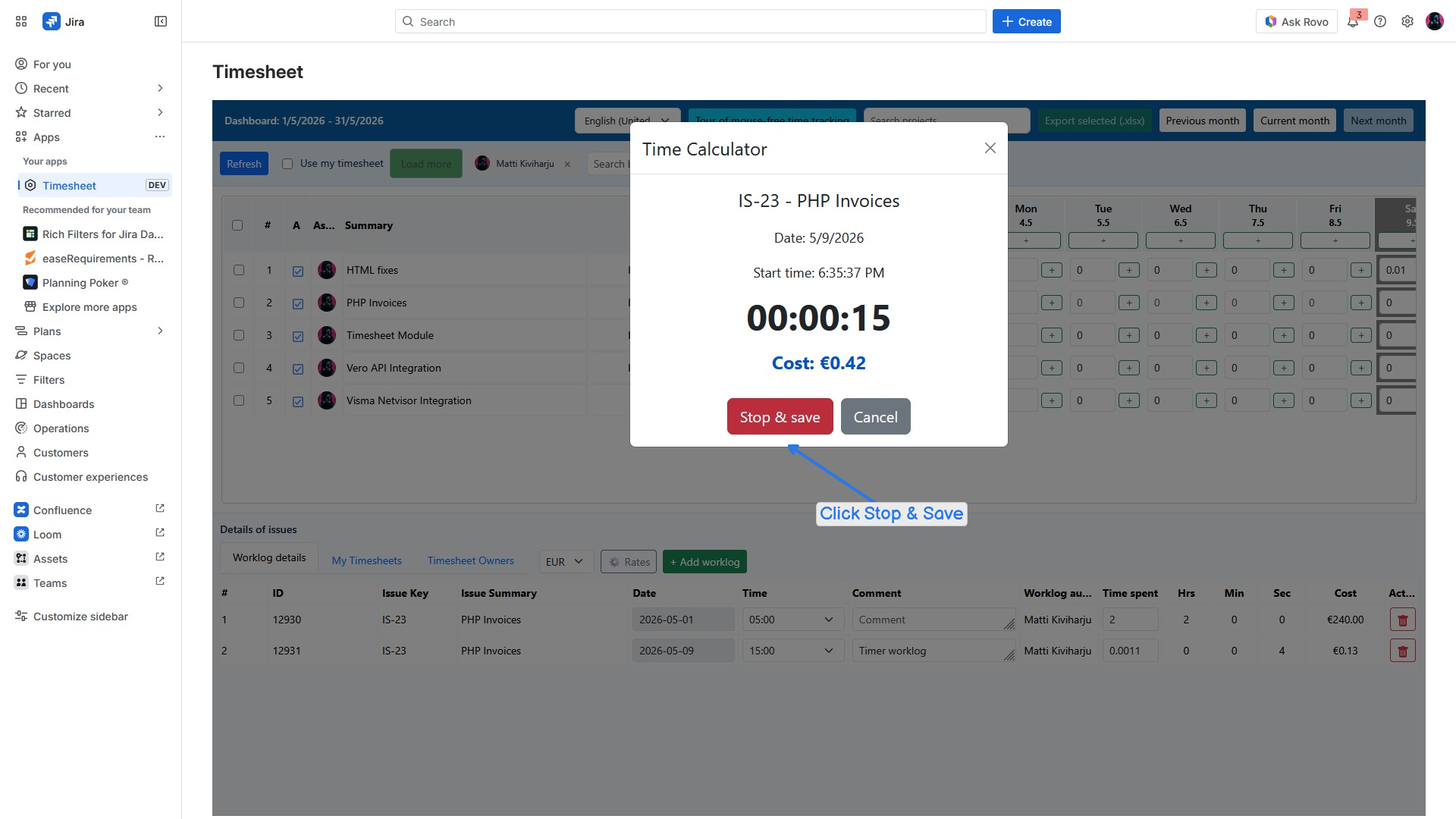
Start and stop timers directly within tasks to automatically log your work.
10x faster than native
Eliminate slow modals and click-heavy dialogs to save developers' time weekly.
Manager approval workflow
Review, approve, or reject team timesheets with comments directly in Jira.
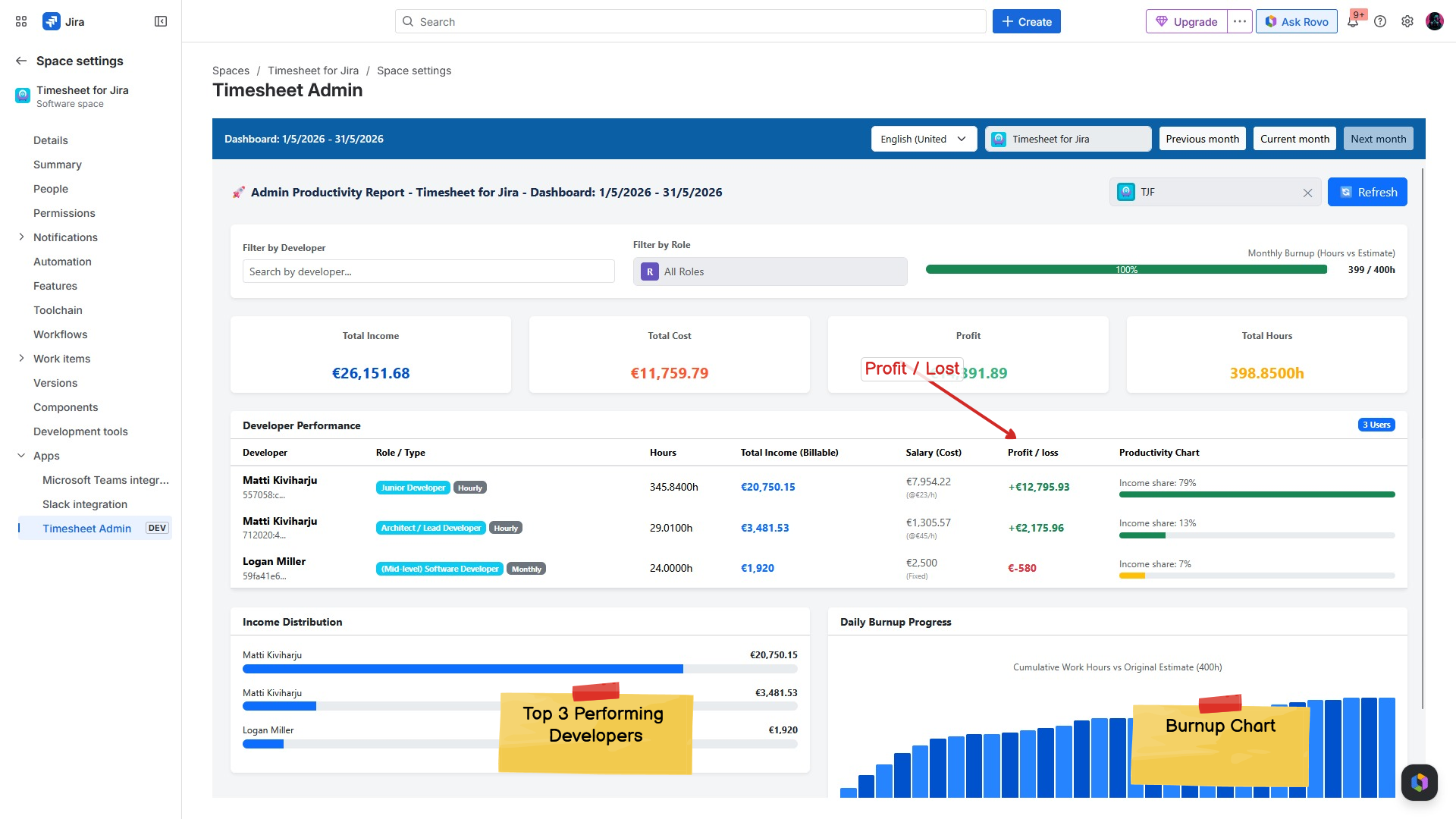
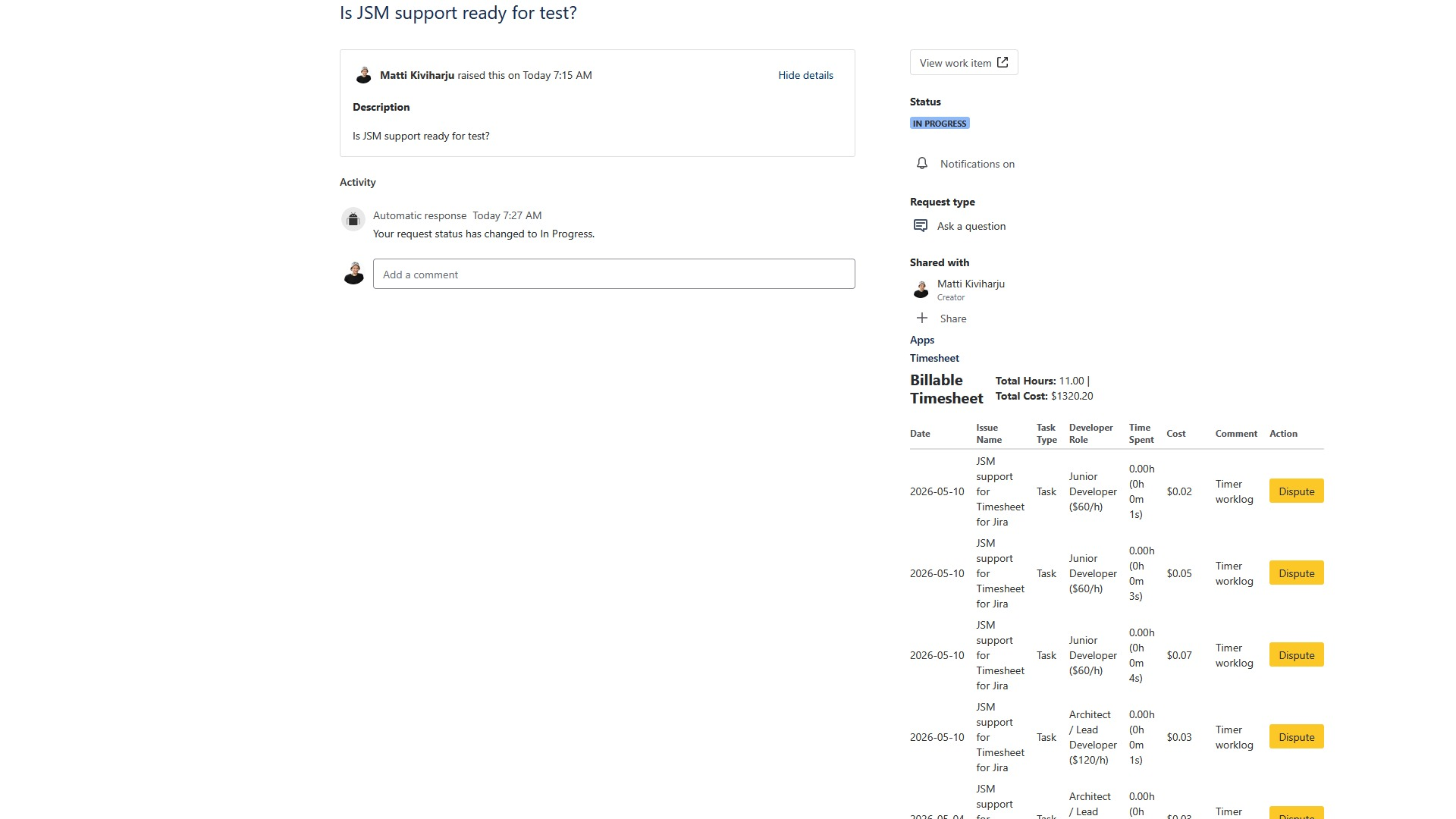
Billable hours tracking
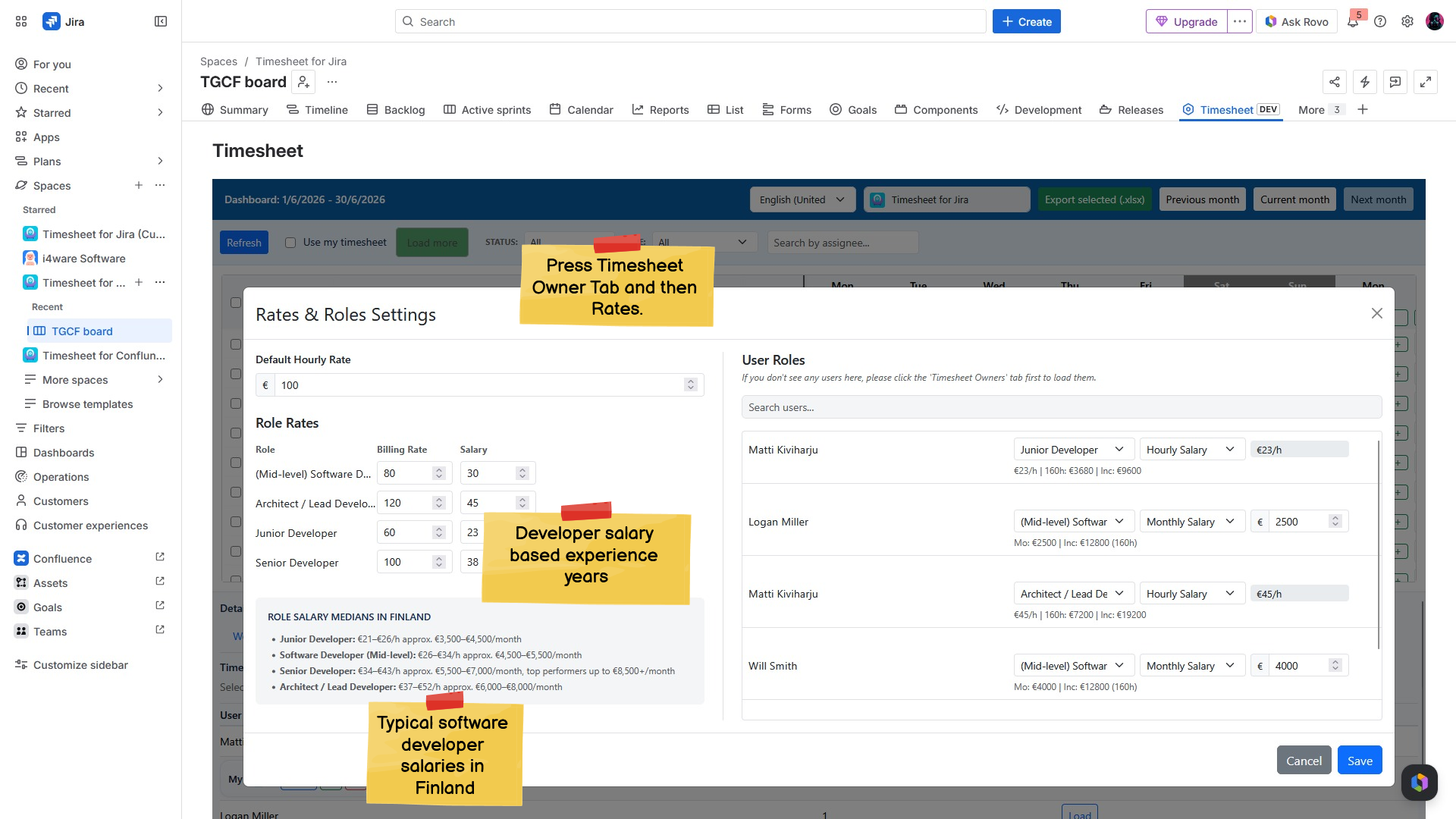
Set role-based rates to track project costs and profitability in real-time.
Excel export and reporting
Export clear, billable timesheets directly to XLSX files with one click.
We developed the Timesheet for Jira app around high-performance workflows. Never lose your focus or reach for the mouse. Manage your entries with simple keyboard commands.
| Key Command | Action / Operation |
|---|---|
| Click | Click a cell to activate it |
| Number Keys | Enter values into the selected cell using the number keys |
| Tab | Save the value and move to the next cell |
| Shift + Tab | Save the value and move back to the previous cell |
| Enter | Open the green + button that opens a modal window for data entry |
See how fast logging work is and explore AI automation directly in Jira.
Product demo
English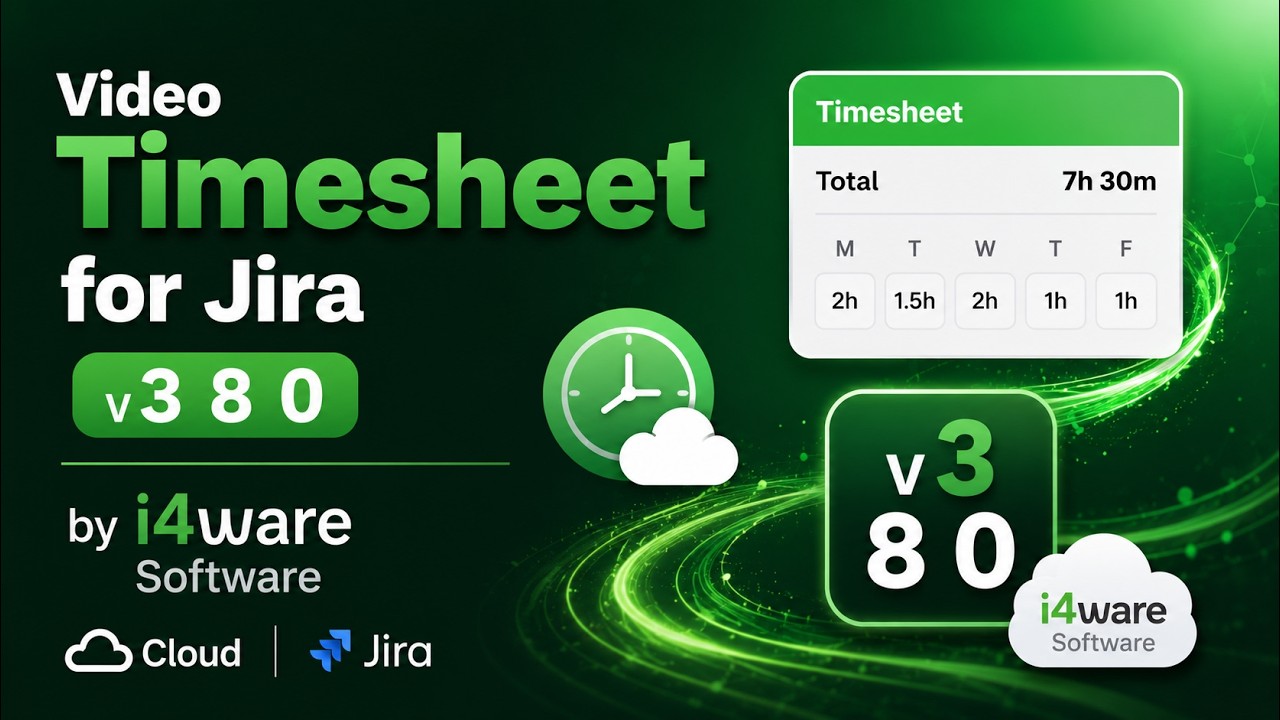
Comprehensive walkthrough of the keyboard grid, timers, manager approvals, and XLSX reporting.
Overview of AI automation
English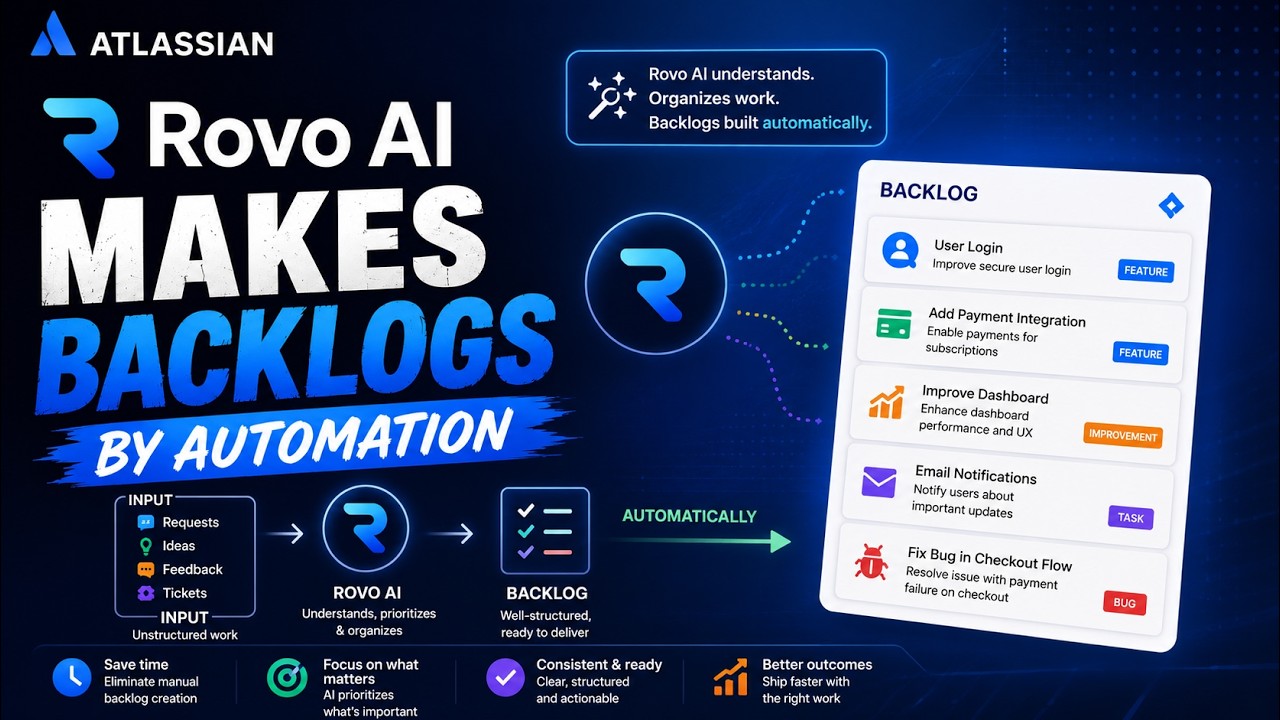
A deep dive into built-in AI-assisted automation features and local user interface settings.
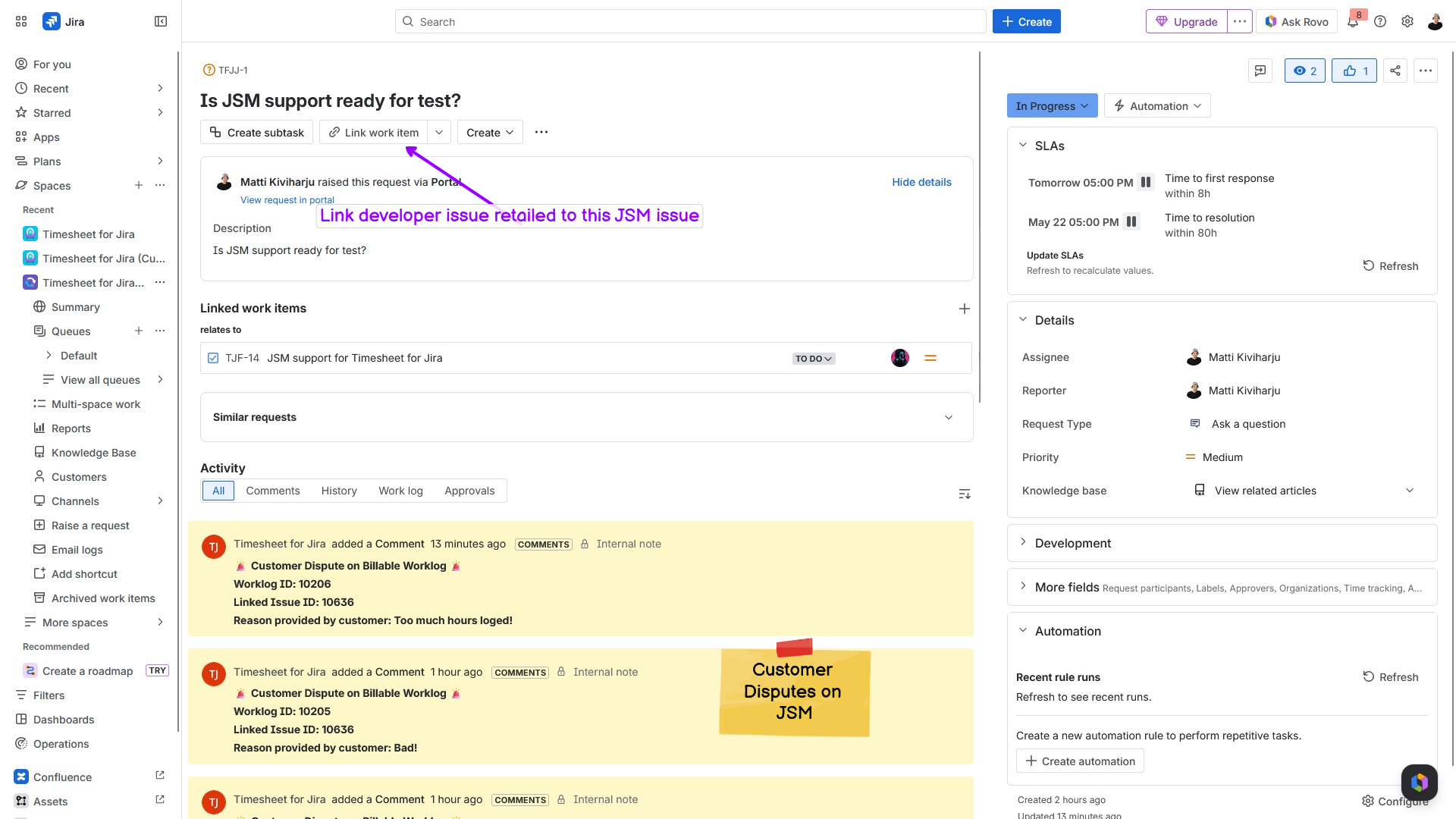
A seamless interface tailored for developers, managers, and billing teams. Click the image to enlarge.
Try Timesheet for Jira free for 30 days and see how much time your team saves.